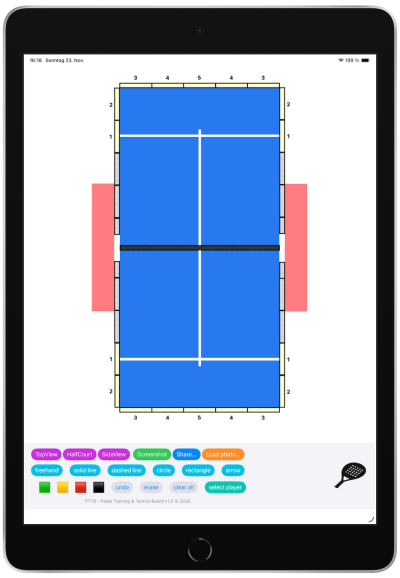
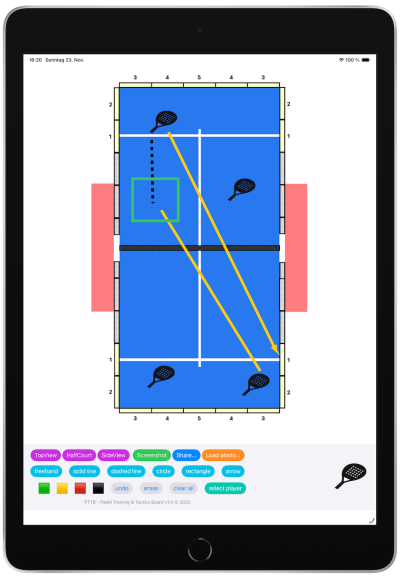
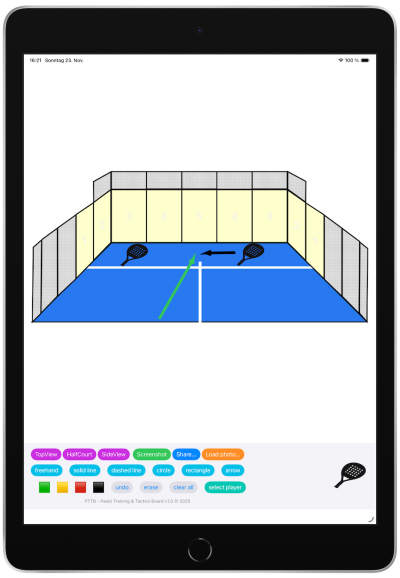
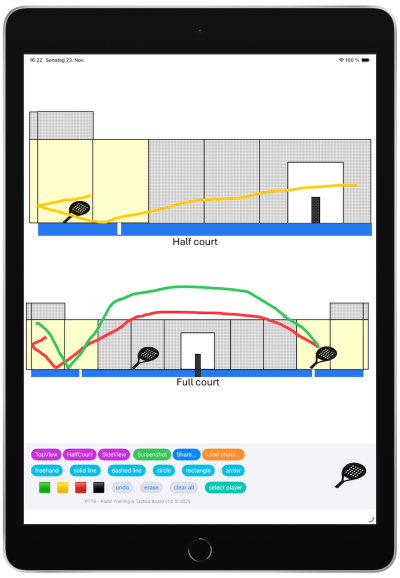
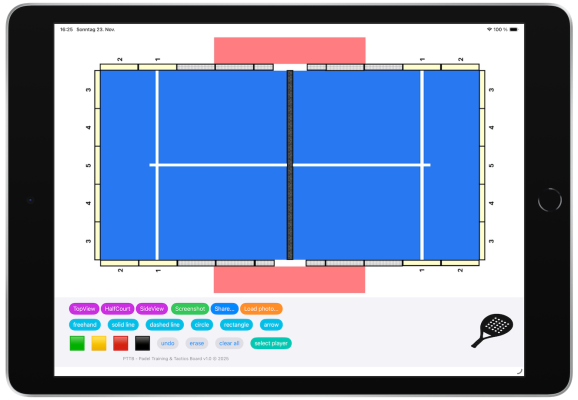
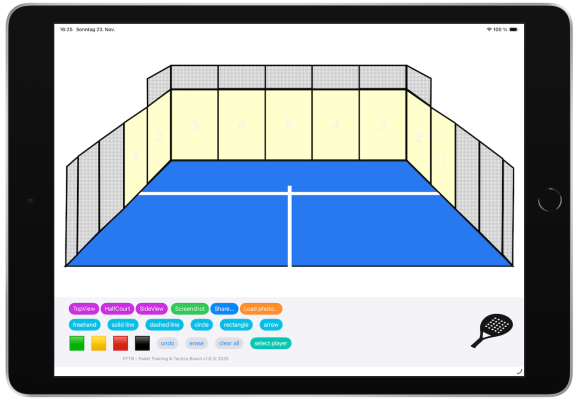
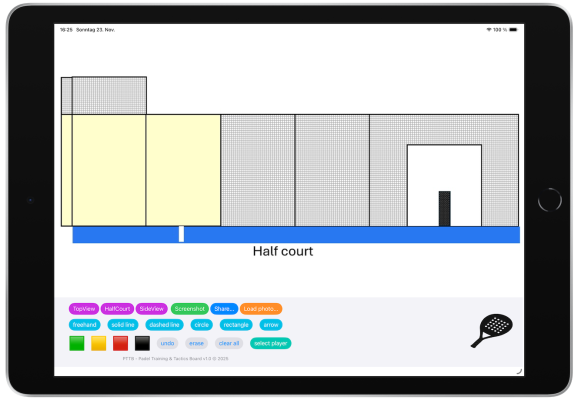
PadelTTB stands for Padel Training & Tactics Board. It lets you easily draw training exercises and tactical strategies. The app is designed for coaches, trainers and players. You can choose from 3 views: „TopView“, „Half-court 3D“ and „SideView“, but you can also upload your own picture to draw on. Drawing is possible with your finger or Apple pencil. You can draw freehand, solid lines, dashed lines, circles, rectangles and arrows in 4 different colours. With drag&drop you can place the players onto the court and with the select button you can move the players around.
Please note: App is designed for iPhone and iPad ! You can use it in portrait mode as well as in landscape mode. Best app experience with iPad!
This video demonstrates the portrait mode and the basic functionality. You can choose between 3 different views: „topview“, „halfcourt“ and „sideview“. By clicking on the „padel racket“ button (this represents a player) on the right hand side you can drag it onto the court by drag&drop. To draw on the court, simply choose a color („green“, „yellow“, „red“, „black“) and then select the type of form. You can choose between „freehand“, „solid line“, „dashed line“, „circle“, „rectangle“ and „arrow“. To undo an operation or erase an already drawn form, please use the „undo“ and the „erase“ button. „Clear all“ will clear the screen. To re-position an already existing player symbolized by the padel racket on the screen, press „select player“ button first, then you will be able to position the player.
This video demonstrates the landscape mode. In landscape mode the „halfcourt“ view will appear larger than in portrait mode and when selecting „sideview“ only one half of the court will be displayed.
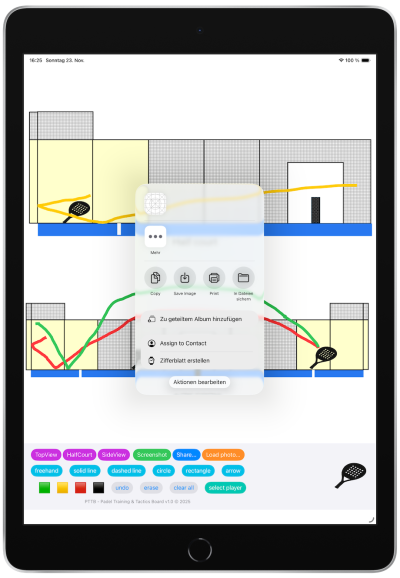
This video illustrates the screenshot and load photo functionality. By clicking on the „screenshot“ button you can record a screenshot of the current screen. By clicking on „load photo“ button you will be able to load any photo from your photo library.
Features: • court view selection • screenshot of your drawings • share the screenshot via AirDrop, WhatsApp, Mail, … • load any photo from your iPhone/iPad library as a background image to draw on • objects: freehand, solid line, dashed line, circle, rectangle, arrow • 4 different drawing colours: green, yellow, red, black • undo last action, erase objects, clear all button • place player(s) (symbolized by padel racket) with drag&drop onto court. Once placed you can re-position the players by pressing the „select player“ button first.
Free version: only minimum features enabled (topview, solid line drawing in black and red colour and clear all button). All other buttons disabled.
Full version (1,99€): all features enabled.
Screenshots
Download
The PadelTTB app can now be downloaded in the Apple App Store. Simply click on the App Store logo below.
It will soon be available in the Google Play Store as well to be used with Android devices.
Apple App Store
Google Play Store
Apple App Store
Google Play Store
Support
For any inquiries or support please contact us via email: info@padel-ttb.app